Smarter Comfort for Renters, No Screwdriver Needed

Welcome! We’re diving into landlord-approved smart thermostat alternatives for tenants, helping you gain precise comfort, better air quality, and lower bills without rewiring or violating lease terms. Discover renter-safe gadgets, practical automations, persuasive scripts, and restoration tips designed to keep your deposit intact and your home perfectly cozy.

Know Your Lease and System

Lease Clauses That Affect Climate Control

Scan for language banning alterations, low‑voltage rewiring, drilling, or replacing landlord-owned devices. Many agreements allow removable accessories yet prohibit permanent changes. Document existing conditions with photos, ask clarifying questions in writing, and secure permission for adhesive mounts or window film so you can prove good faith and protect your deposit later.

Identify Your HVAC Type

Central forced air behaves differently from hydronic radiators, electric baseboards, or mini-splits. Map what you have, which zones you control, and where sensors currently sit. This knowledge determines whether infrared controllers, smart radiator valves, smart plugs, or scheduling apps will create meaningful improvements without touching the building’s wiring or thermostat.

Why Landlords Prefer Non‑invasive Options

Property owners worry about liability, warranty voids, and callouts when tenants replace thermostats. Emphasize renter-safe devices that mount with adhesive, rely on batteries or USB power, and leave no marks. Highlight energy savings, noise limits, and easy removal to align your plan with maintenance priorities and insurance requirements.
Non‑Replace Options That Deliver Smart Control

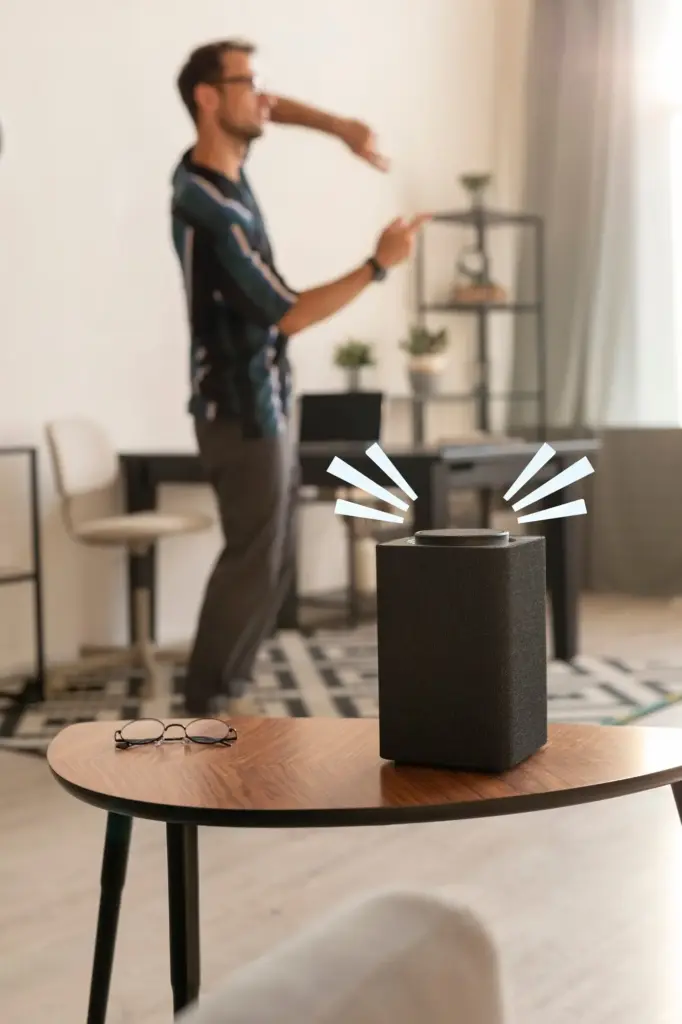
There are powerful ways to gain scheduling, remote access, and comfort insights without touching a thermostat on the wall. Consider infrared controllers for window units or mini‑splits, battery-powered radiator valves, and smart plugs with temperature triggers, all mounted cleanly, removed easily, and proven to satisfy cautious landlords and building policies.

Room Sensors and Renter‑Friendly Automations

Strategically placing sensors unlocks balanced comfort without any permanent work. Use battery temperature, humidity, and occupancy sensors to drive automations that nudge IR controllers, radiator valves, or fans. Geofencing reduces waste when you leave, while schedules respect quiet hours and roommates’ preferences in shared, compact spaces.

Place Sensors Where Readings Truly Reflect Comfort

Keep sensors away from direct sun, drafty windows, radiators, kitchens, and electronics that skew temperatures. Position near breathing height where you actually sit or sleep. Name devices clearly, stick with removable adhesives, and log readings for a week to understand patterns before building routines that automate cooling or heating.

Automations That Work Without Permanent Installs

Create geofenced arrivals that pre-cool or pre-heat, bedtime setbacks that cut noise, and humidity triggers that switch on fans during showers. Tie IR controllers, radiator valves, and smart plugs together in scenes, and share limited control with roommates, protecting privacy while keeping everyone comfortable through predictable, respectful adjustments.

Etiquette, Quiet Hours, and Shared Spaces

Even smart setups can annoy neighbors if fans whir late or compressors cycle aggressively. Program gentle ramps, use eco modes, and limit overnight activity. Post a simple schedule on the fridge, invite feedback, and tweak routines collaboratively to support harmony, safety, and comfort across thin walls and busy halls.

Seal, Shade, and Schedule for Efficiency

Hardware helps, but the quiet gains come from sealing leaks, managing sunlight, and timing comfort precisely. Removable weatherstripping, door sweeps, cellular shades, and reflective film can slash losses. Combined with smart schedules, modest setpoints feel luxurious, bills shrink, and landlord satisfaction rises because equipment runs gentler and needs fewer emergency visits.

Winning Landlord Approval

Build a One‑Page Proposal with Benefits

Summarize how comfort improves, bills drop, and maintenance demands shrink when devices automate gently and predictably. Include photos of reversible mounts, product datasheets, and a promise to restore. Add your contact details and invite a quick call, positioning your request as cooperative, respectful, and aligned with property objectives.

Commit to Reversibility and Documentation

Promise adhesive-only mounting, cable clips instead of nails, keep original parts labeled, and save packaging. Maintain a simple log with dates, photos, and settings. This paper trail reassures owners, simplifies conversations, and makes move-out easy, reducing friction and proving your attention to safety, compliance, and stewardship.

Address Insurance, Noise, and Safety Early
Show product certifications, highlight auto‑off features, and describe schedules that avoid nighttime cycling. Offer guest access for the superintendent during inspections. By proactively covering risk, you demonstrate reliability, making approval straightforward and helping the building meet energy goals without risking equipment warranties, fire codes, or neighbor relationships.

Setup Checklist and Move‑Out Plan

A concise checklist prevents missteps now and headaches later. Measure noise levels, confirm compatibility, and stage devices on a desk before mounting. Label everything, document default settings, and practice removal. When it’s time to leave, restore surfaces carefully and factory‑reset gear so the next chapter starts smoothly.

Real‑Life Rental Comfort Stories

True experiences show what works when leases are strict and systems are quirky. Tenants share how small, reversible changes delivered big improvements, fewer arguments, and calmer nights. Use these lessons to inspire your plan, then tell us your results so others can learn and iterate confidently.
Kuxevezikipi
Privacy Overview

This website uses cookies so that we can provide you with the best user experience possible. Cookie information is stored in your browser and performs functions such as recognising you when you return to our website and helping our team to understand which sections of the website you find most interesting and useful.